What pages does a small business website actually need?
Not every business needs a 30-page website. These are the 5 core pages a small business site should have, what goes on each one, and which pages can wait.
⚑Quick summary
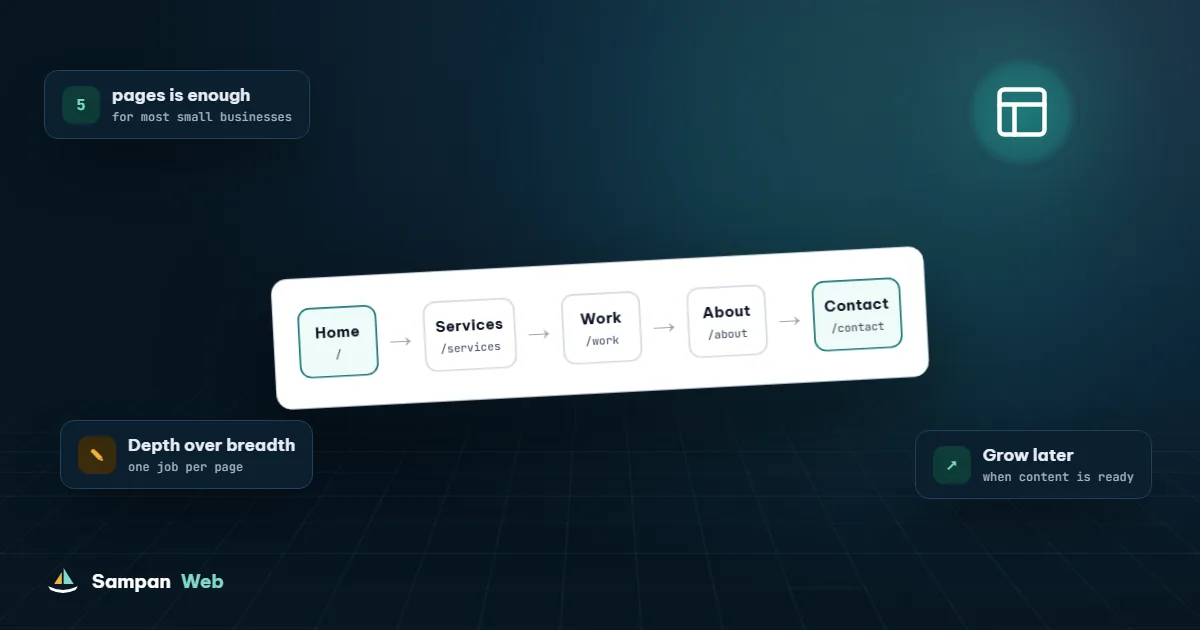
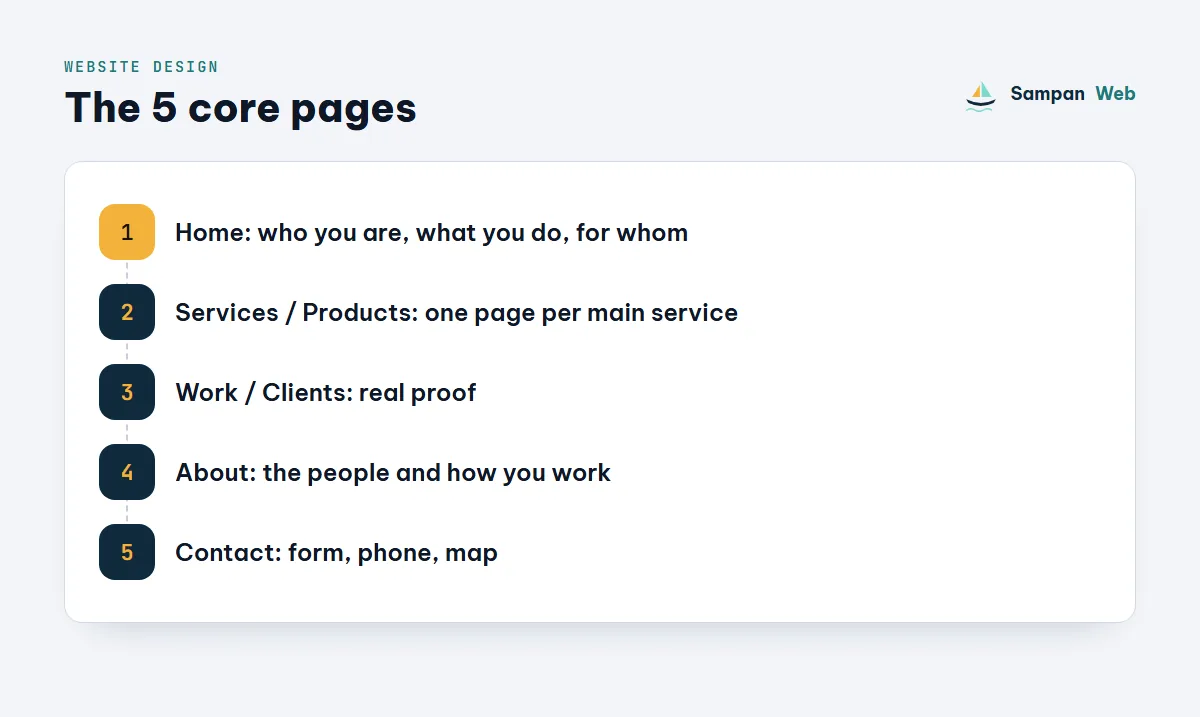
- Five core pages: home, services, work, about, contact.
- Give each main service its own page so it can rank.
- Only open a blog when someone will write regularly.
When a website project starts, a lot of owners write a long wish list: news, careers, partners, FAQ, certificates, photo gallery. The site launches late, half the pages are empty, and visitors don’t know where to click.
A good small business website doesn’t need many pages. It needs the right ones, each doing one job well.
Stage 01The 5 pages to have from day one
1. Home
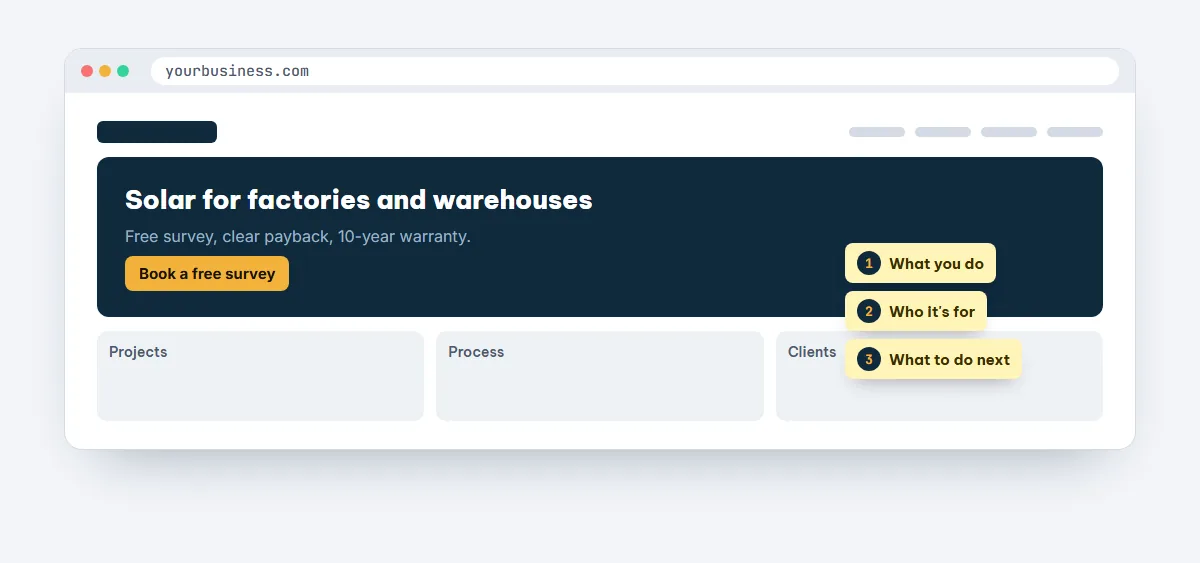
Visitors decide whether to stay within seconds. The top of your homepage should answer three questions: what you do, who it’s for, and why they should pick you. Then give clear paths to your services, your work and your contact page.
A common mistake: a five-image slider with vague slogans. Nobody reads slide two.
2. Services or products
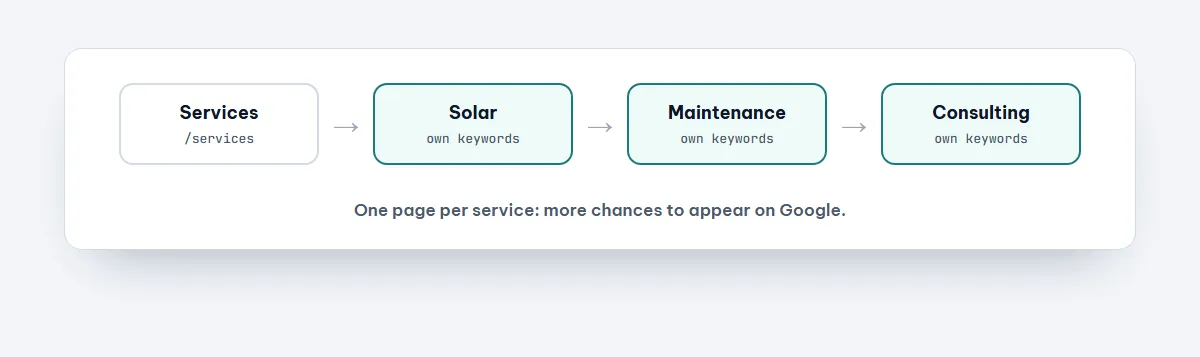
If you offer three main services, build three pages rather than one page listing everything. Each page gets its own chance to rank for its own keywords, and can answer the specific questions that group of customers has: what’s included, how long it takes, roughly what it costs, how the process works.
3. Work or clients
People trust what you’ve done more than what you say. Photos of real projects, real products, client names where you’re allowed, results you achieved. Five well-photographed projects persuade more than fifty client logos.
4. About
This page often turns into “mission, vision, core values” that nobody remembers. Write about people instead: who’s behind the business, how long they’ve been doing it, how they work. B2B buyers in particular tend to read this page before they pick up the phone.
5. Contact
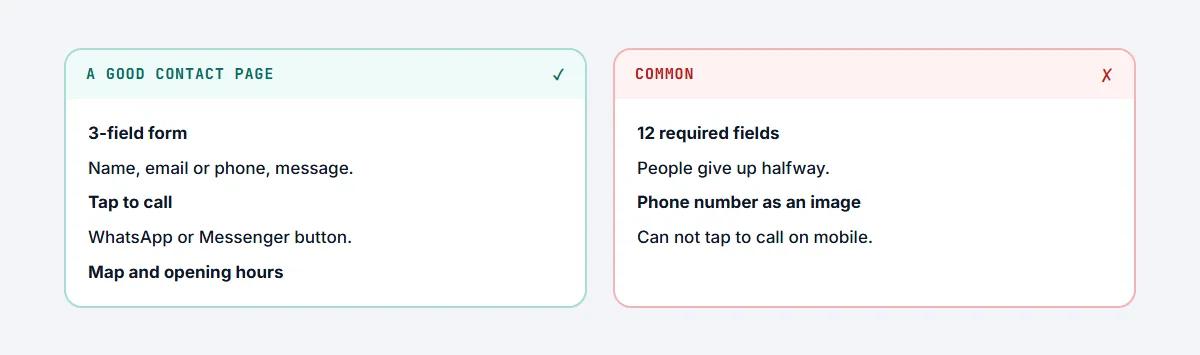
A short form (name, email or phone, message), a phone number that’s tappable on mobile, your address with a map, and your hours. Add a WhatsApp or Messenger button if that’s how your customers like to talk.
Stage 02Pages that can wait
- Blog / news: great for SEO, but only once someone will write regularly. A news section whose latest post is two years old does more harm than good.
- Careers: only if you hire often.
- FAQ: usually works better as a section on each service page than as a separate page.
Stage 03What about legal pages?
If your site collects form data or sells online, you’ll want a privacy policy and terms. These live in the footer and don’t need special design.
Stage 04Start small, grow later
Five pages done carefully beat twenty pages done in a rush. That’s why our starter package covers up to five pages, and why we build your homepage free first so you can see it before deciding. You can also browse websites we’ve built.
We build your homepage free first. Pay only if you love it.