8 signs your WordPress site is infected with malware (and a 15-minute self-check)
Redirects to strange sites, Japanese pages in Google, a hosting account that keeps hitting its limits? Here are the 8 most common signs of a hacked WordPress site and how to check yourself before calling for help.
⚑Quick summary
- Malware rarely breaks a site loudly; it usually shows only to some visitors.
- A site: search on Google and your admin list are the two fastest checks.
- A clean plugin scan does not mean a clean site.
Most site owners find out they’ve been hacked the same way: a customer sends a message asking why your website just sent them to a gambling page. By then the malware has usually been sitting there for weeks, sometimes months.
WordPress malware rarely breaks a site loudly. Attackers want your website to keep running, because they’re using it to redirect traffic, publish spam pages or send phishing email. So the signs are small, and often only some visitors ever see them.
These are the 8 signs we run into most often when cleaning infected sites, roughly in order of how easy they are to spot.
Stage 011. The site redirects to somewhere else
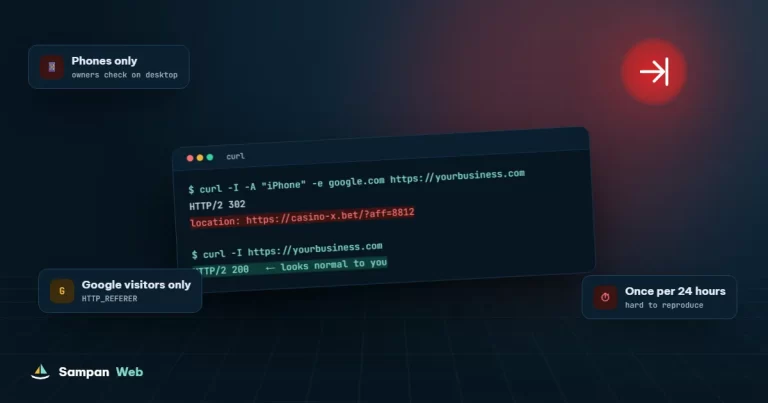
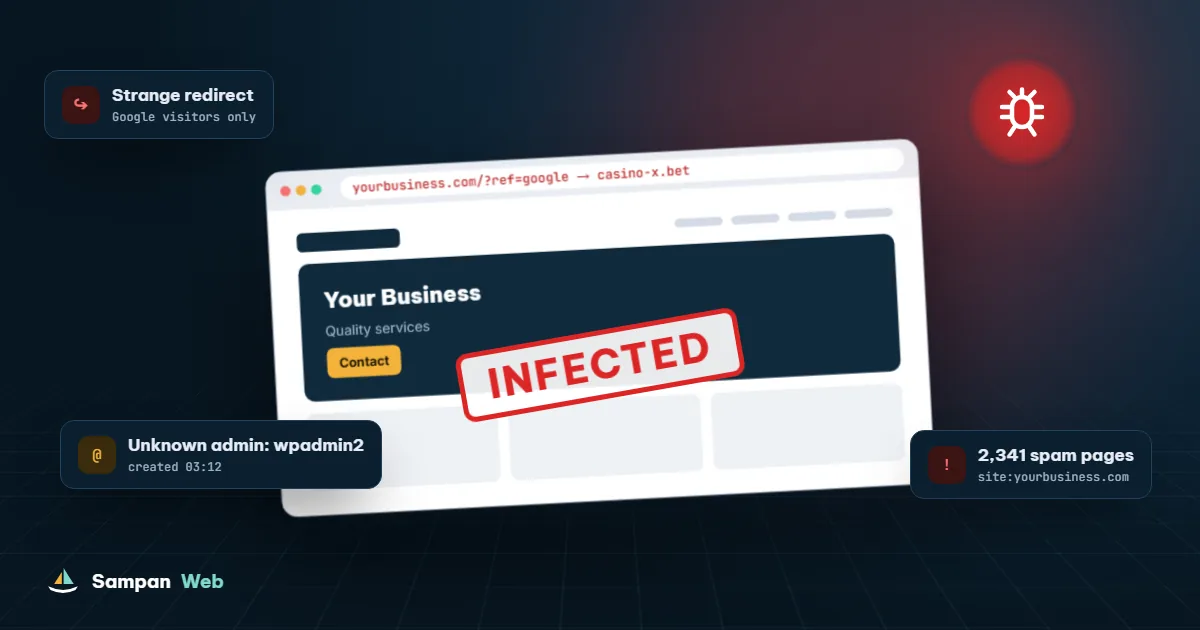
The most common sign of all. The annoying part is that the redirect usually only fires for visitors arriving from Google, visitors on phones, or first-time visitors. You’re logged in as an admin, so on your own computer everything looks fine.
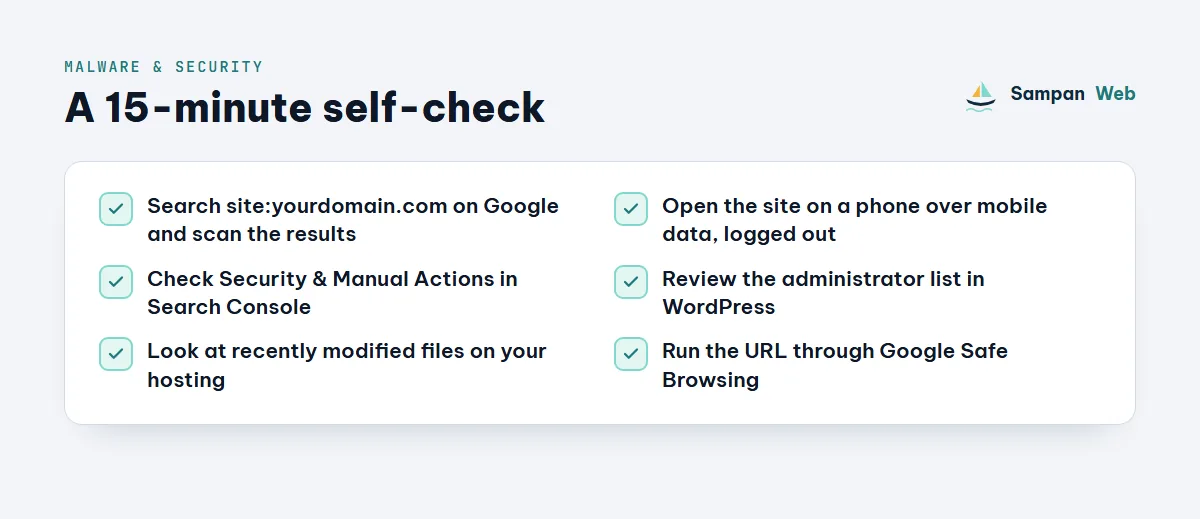
How to test: use your phone, switch off Wi-Fi so you’re on mobile data, open a private tab, and reach the site through a Google search result rather than typing the address.
Stage 022. Google shows pages you never created
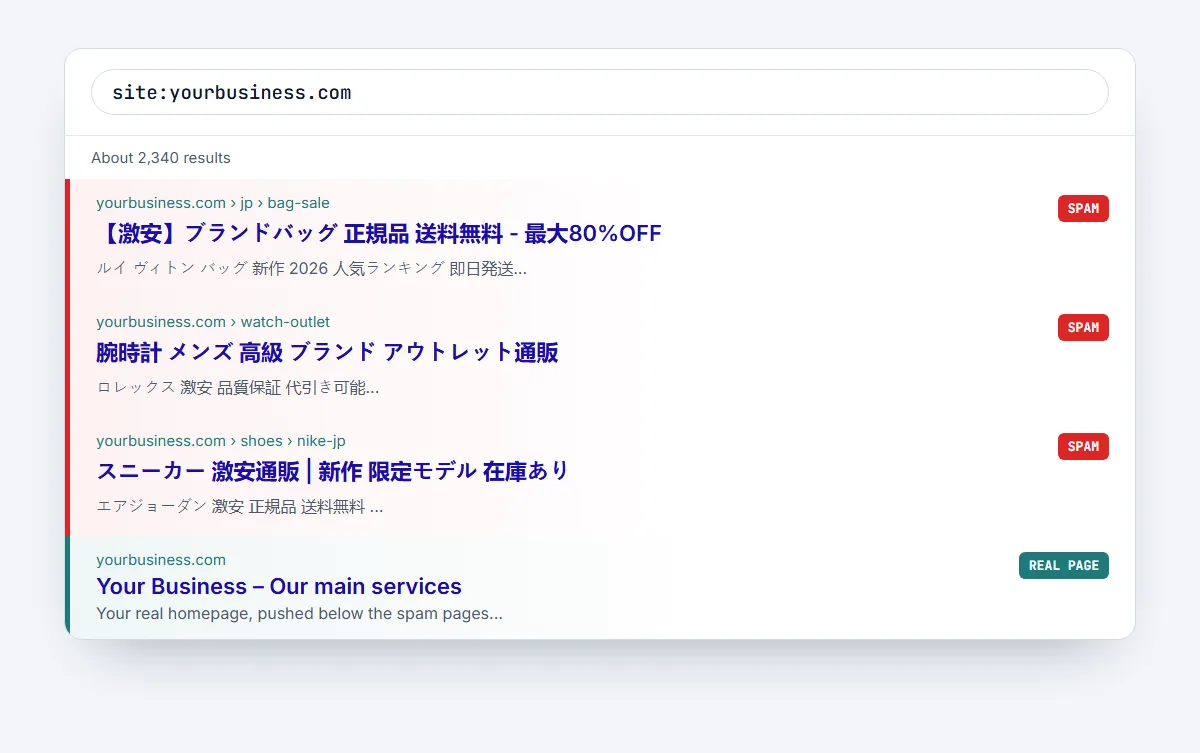
Search for site:yourdomain.com. If you see titles in Japanese or Chinese, cheap designer goods, pharmacy ads or betting, someone has injected spam pages. This particular attack is common enough to have its own name, the Japanese keyword hack, and it can generate thousands of pages in a few days.
Stage 033. Browsers show a red warning
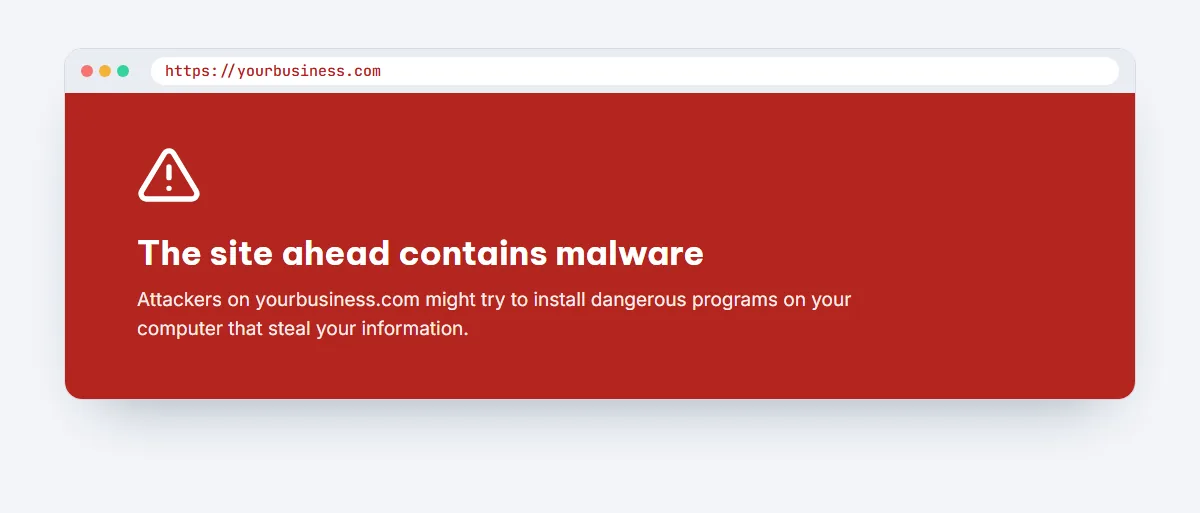
Chrome or Safari displays a full red screen saying the site ahead contains malware. Google has blacklisted the domain. Traffic drops to almost nothing, and Google Ads campaigns stop with it.
Stage 044. There are admin accounts nobody recognises
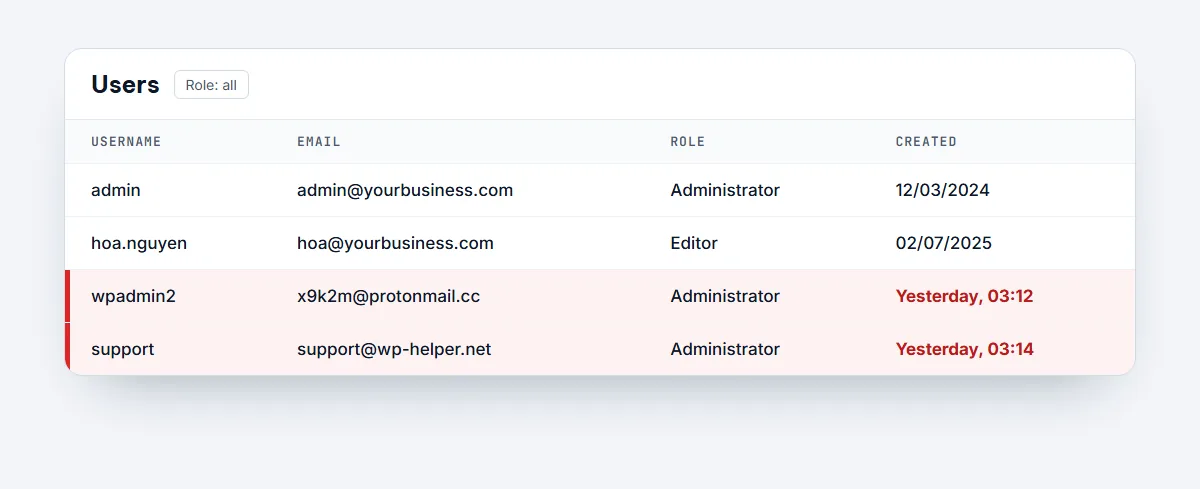
Go to Users in WordPress and filter by Administrator. An account called “wpadmin2” or “support”, or an email address nobody on your team created, is a very clear sign. Attackers create these so they can get back in after you think you’ve cleaned up.
Stage 055. Your hosting complains about resources
CPU usage jumps while your visitor numbers don’t, your host emails you about exceeding limits, or the site throws the occasional 500 error. Likely causes: a crypto-miner, a spam-sending script, or bots hammering your login page.
Stage 066. Strange files in the website folders
Files like wp-xmlrpc.php, about.php or radio.php sitting inside the uploads folder, or PHP files with random names. wp-content/uploads should only contain images and documents. A PHP file in there almost always means trouble.
Stage 077. Your email starts landing in spam
Customers say they never got your reply, or your messages keep going to junk. When a hacked site is used to send spam in bulk, the server’s IP address gets blacklisted, and your real email goes down with it.
Stage 088. Google Ads or Meta reject your ads
Messages like “malicious software on the landing page” or “compromised site policy”. Ad platforms scan landing pages more closely than you’d expect, and sometimes they notice before the owner does.
Stage 09Found a sign. What now?
Resist the urge to install three security plugins and press “scan”. Free scanners only recognise known patterns. Real-world malware is usually encoded, hidden in the database or disguised as an image file. A clean scan doesn’t mean a clean site.
The safe order we always follow:
- Back up all files and the database, infected version included. You’ll need it for analysis, and to roll back if anything goes wrong.
- Change passwords for hosting, FTP, the database and every admin account, from a computer you trust.
- Delete admin accounts nobody recognises.
- Find and remove the malware in files and database, then close the hole it came through.
- Request a review in Google Search Console if the site was flagged.
Step 4 is the hard one and the easiest to get wrong. Remove only what you can see, miss the backdoor, and the site will be reinfected within days.
Stage 10The short version
WordPress malware doesn’t go away on its own, and every day it stays means more spam pages in Google’s index. If you recognise two or more of the signs above, get it checked properly now.
We offer a free malware check, a fixed quote before any work, and you pay only once we hand back a clean site.
Free check, fixed quote, pay only after handover.