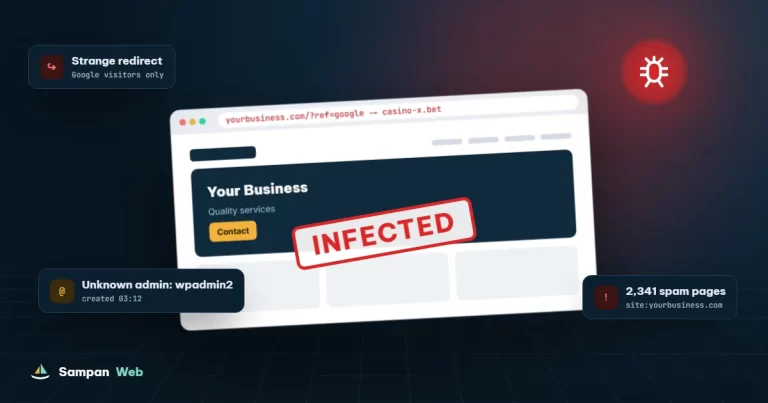
Website redirecting to spam sites? Why it happens and how to fix it for good
Visitors land on your site and get sent to a gambling or scam page? This guide explains why only some people see the redirect, where the malicious code usually hides, and how to clean it so it stays clean.
⚑Quick summary
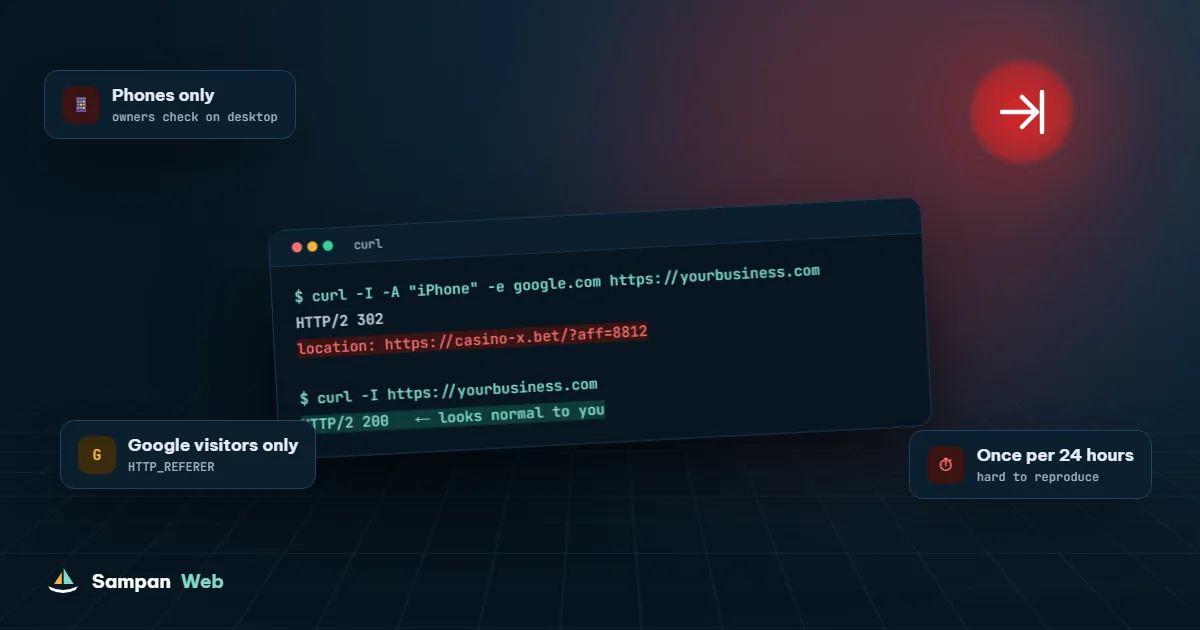
- Malicious redirects pick their targets: phones, Google visitors, first visits.
- The code usually hides in 5 places: .htaccess, database, theme, fake plugins, uploads.
- Miss the backdoor and the redirect comes back within days.
“It looks fine when I open it, so why do customers say they’re being sent elsewhere?” We hear that almost every week.
Malicious redirects are designed to be hard to catch. They don’t redirect everyone. They choose, and they choose cleverly. Once you understand how, it becomes obvious why half-done clean-ups nearly always fail.
Stage 01Why only some visitors get redirected
The redirect code typically checks a few conditions first:
- Where the visitor came from: only people arriving from Google or social media. Type the address directly and the site looks normal.
- Device: phones only, because owners usually check on a desktop.
- Cookies: each visitor is redirected once per 24 hours, so the problem is hard to reproduce.
- Login status: anyone logged into WordPress is skipped. That means you.
The result: the owner sees nothing, the customers see everything.
Stage 02How to reproduce it
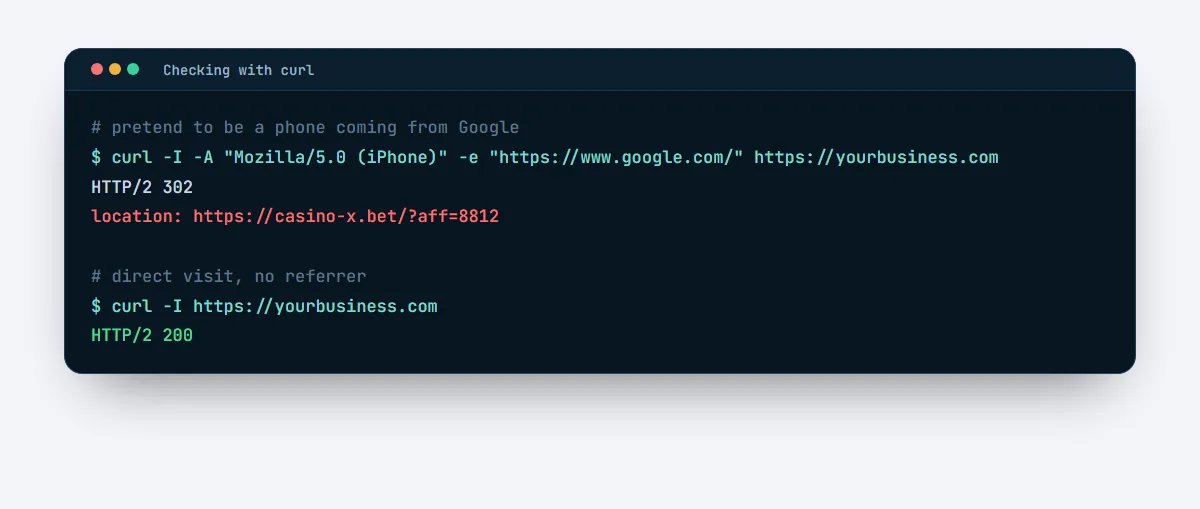
Log out of WordPress. On your phone, open a private tab on mobile data rather than office Wi-Fi. Search your brand on Google and click the result. For a more technical check, run curl -A "Mozilla/5.0 (iPhone)" -e "https://www.google.com/" -I https://yourdomain.com and look for a Location: header pointing to a domain you don’t own.
Stage 03Where the code usually hides
Across the sites we’ve cleaned, five locations come up again and again:
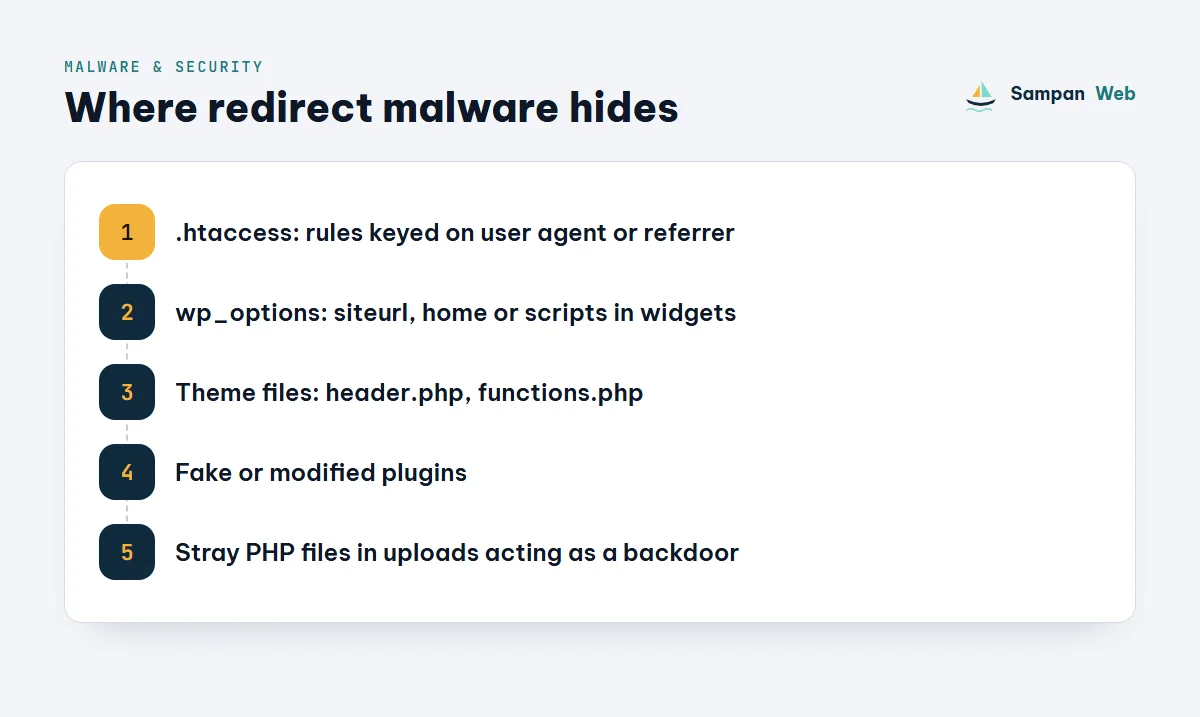
The .htaccess file
RewriteCond lines that test HTTP_REFERER or HTTP_USER_AGENT, followed by a RewriteRule that sends visitors to another domain. Sometimes there’s an extra .htaccess in a subfolder you’ve never opened.
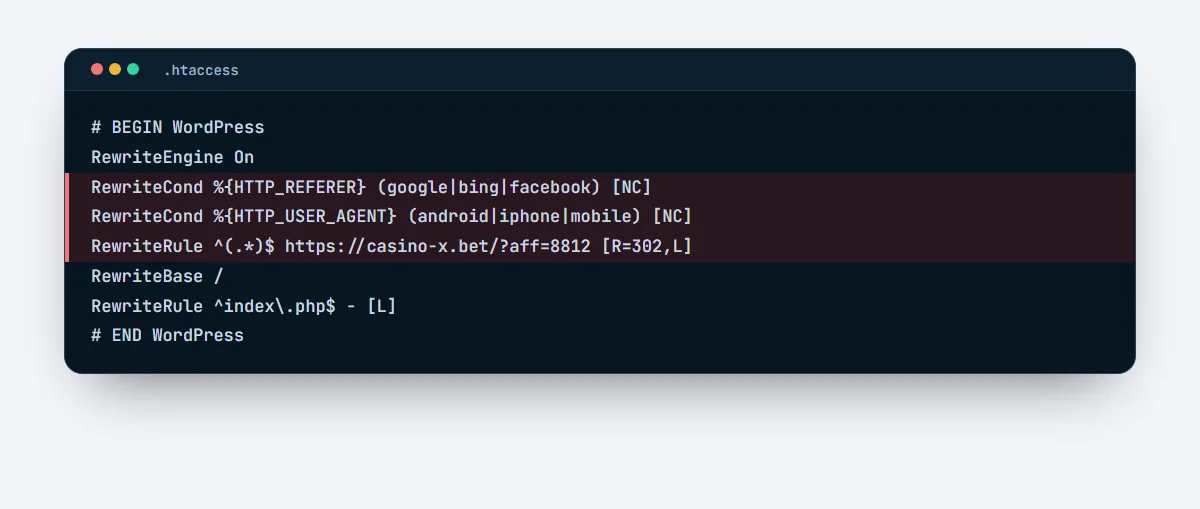
The database
The wp_options table is a favourite: a changed siteurl, a script in a widget, or encoded JavaScript injected into post content. File scanners miss this entirely, because it isn’t in a file.
Theme files
header.php and functions.php with a few extra lines at the very top or bottom, usually a long eval(base64_decode(...)) string.
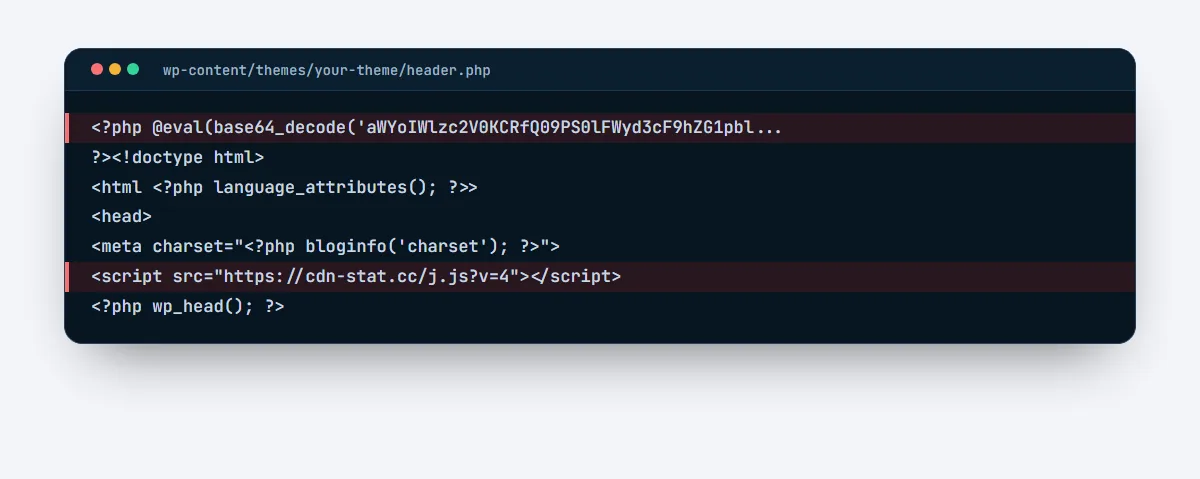
Fake plugins
A plugin with an official-sounding name like “WP Core Helper” that doesn’t exist in the WordPress directory. Some even hide themselves from the plugin list.
Backdoors in uploads
This is what brings the infection back. You remove the redirect, the backdoor stays, and a few days later the attacker reinstalls everything.
Stage 04Fixing it so it stays fixed
- Back up the current state before touching anything.
- Reinstall WordPress core and every plugin and theme from official sources, overwriting the old files. Don’t try to edit files one by one.
- Go through the database:
wp_options,wp_postsand the users table. - Delete every PHP file in the uploads folder and block PHP execution there.
- Change all passwords and the security salts in
wp-config.php. - Keep watching for at least 7 days. Reinfections usually show up in the first week.
Stage 05Don’t forget the SEO side
If the redirect ran long enough, Google may have flagged the site or dropped its rankings. Once it’s clean, go to Security & Manual Actions in Search Console and request a review. Warnings are usually lifted within a few days to two weeks.
If you’d rather have someone handle the whole process, our malware removal service starts with a free check and comes with a 12-month warranty against reinfection.
Free check, fixed quote, pay only after handover.